Estimated Read Time: 4 Minutes
Sections in this article:
To support achieving compliance, Gatekeeper comes configured with a wide array of reports and dashboards as standard.
For an interactive overview of Gatekeeper's reporting options, take our Introduction to Reporting course in Gatekeeper Academy.
Dashboards
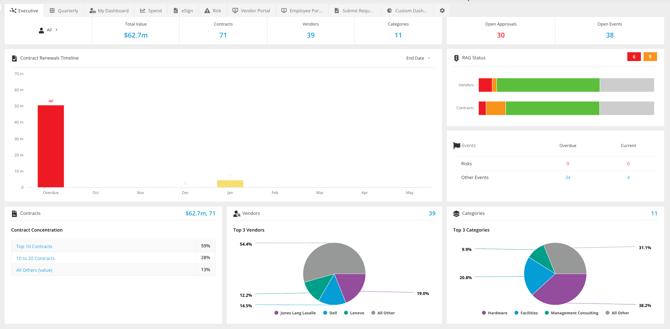
Gatekeeper features a range of interactive dashboards to provide you with visual representations of data. Our Executive Dashboard sits at the very front of the app, and a Quarterly version is also available to allow a ready view on the near-term KPIs.
Dashboards also exist for categories and teams, and all of them can be filtered to show items you own, or all items you have permission to see. Drill down into the dashboards to be presented with reports on the data that can be exported to CSV or PDF.
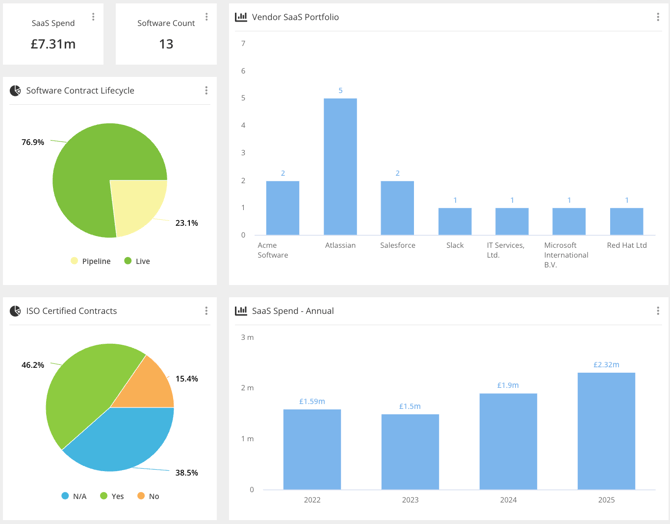
Additionally, you can create individual custom dashboards, with visualisations that are tailored to your role.
Weekly Summary
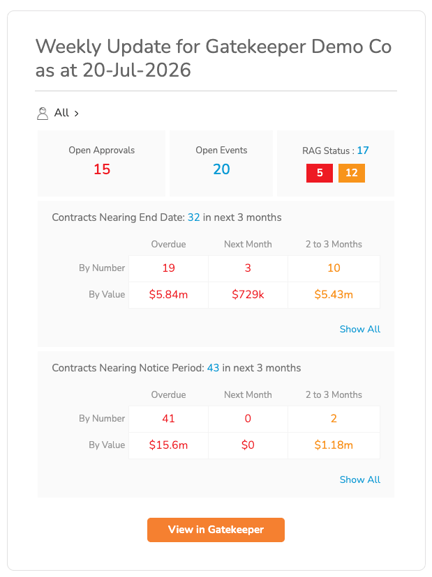
Each user can receive a weekly summary of the contracts they own, and users with the appropriate permissions can receive a summary of all contracts.
Reports
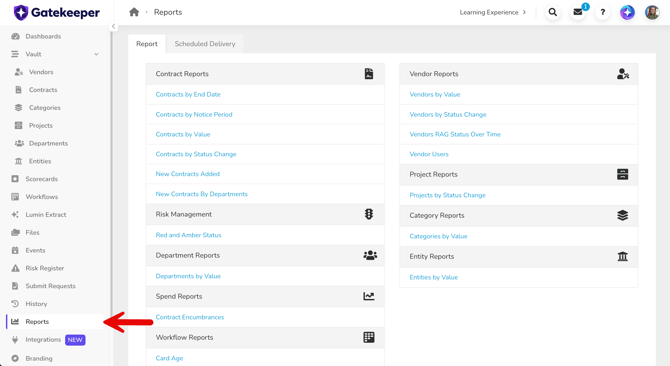
A dedicated Reports area provides a variety of pre-built tabular report options, covering contracts, vendors, workflows, and more. You can also export each report to a CSV or PDF format.
Scheduled Deliveries
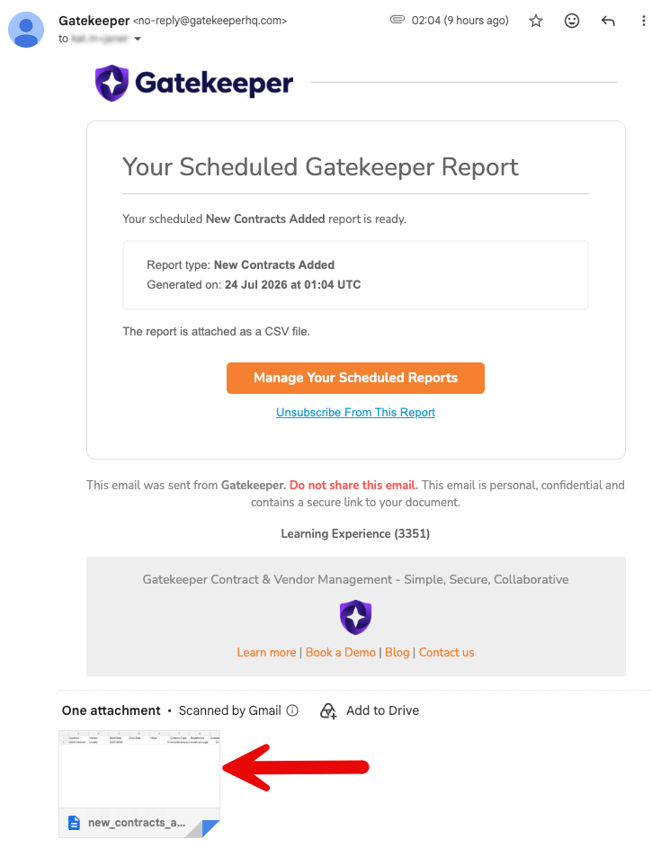
You can send data from Gatekeeper Reports or list views automatically by email on a recurring basis. Recipients receive up-to-date information without needing to log in or export it manually. See Send Scheduled Reports for further details.
History
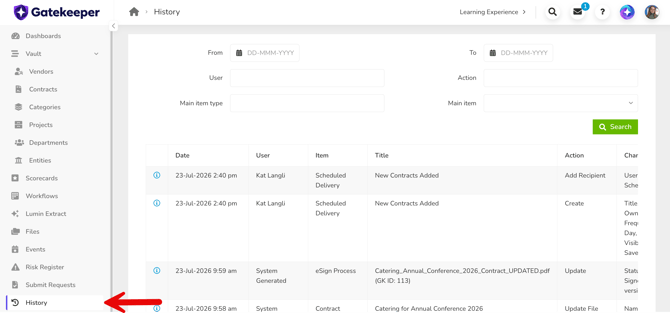
The History page displays a log of actions taken in Gatekeeper, by whom, and when. This function provides you with a searchable audit trail across your user base.
Contract / Vendor Lifecycle
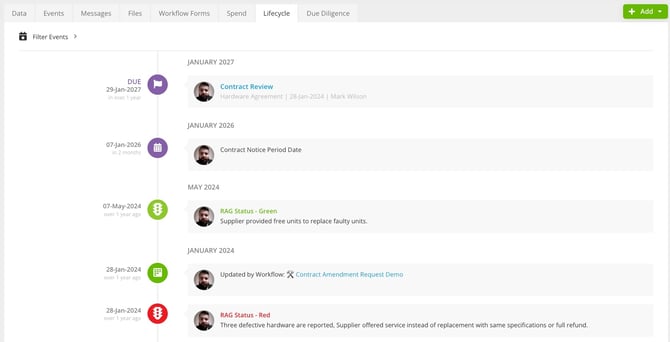
If you want a granular view of a contract or vendor lifecycle, this is available in a timeline format on each record.