Estimated Read Time: 4 Minutes
Introduction
Custom data lets you capture information that's specific to your business. It's made up of fields, individual data points such as text, dates, or dropdowns, which you can organise into groups or add as columns within a custom table.
This article covers the different field types available, whether you're adding them to a group or a table.
Note: To configure custom data, users require the Global Administrator role and the Configuration additional permission. See User Role and Permission Definitions for further details.
Field Types
Single-line text
Allows the user to enter a single line of text that can contain up to 225 characters, typically used for concise information such as names, titles, or brief descriptions.

Multi-line text
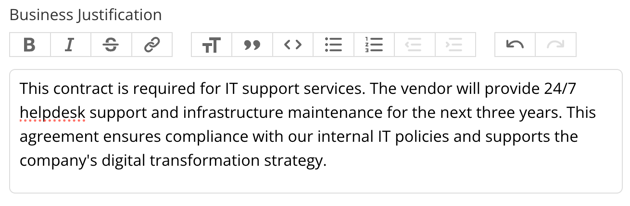
Allows the user to enter a paragraph of text that can contain up to 20,000 characters, and is useful for capturing detailed information. The user can format their text for this field type.
Integer
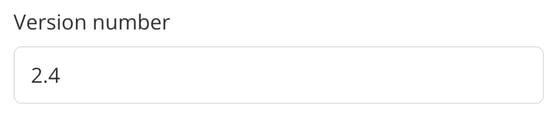
Allows the user to enter a whole number, positive or negative, without symbols (therefore no currency signs should be used). Users will not be able to save if the entry is not valid.

Note: Integer fields store whole numbers only. Values with leading zeros are not recognised as valid integers. It's recommended to use a single-line text field for identifiers such as routing or account numbers, which may begin with zeros.
Floating-point
Allows the user to enter fractional numbers such as 0.54 or -100.2.
Percentage
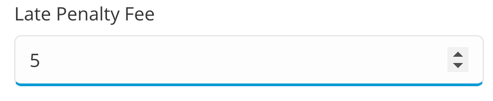
Allows the user to enter a numerical value that will be expressed as a percentage once saved.
Date
Allows a user to select a date from a pop-up calendar. An example of the date input is shown below.
Yes/No
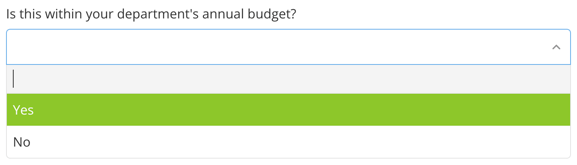
Allows the user to pick yes or no from a dropdown list. This can be used as the basis for a depends upon field, where other fields appear based on the selected answer.
Attached file
Allows users to upload any file types supported by Gatekeeper.
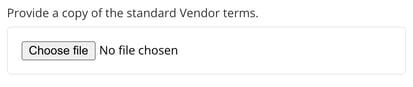
Note: This field type cannot be added as a column within a custom table.
Attached file with Expiry Date
Allows a user to upload any file types supported by Gatekeeper and select an expiry date.
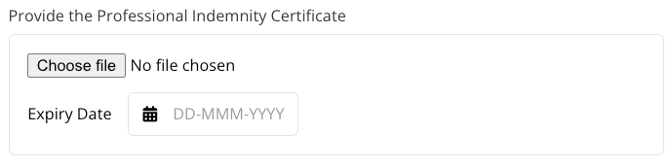
Note: This field type cannot be added as a column within a custom table.
Monetary
Allows the user to enter a number and select from the currencies configured within the tenant.
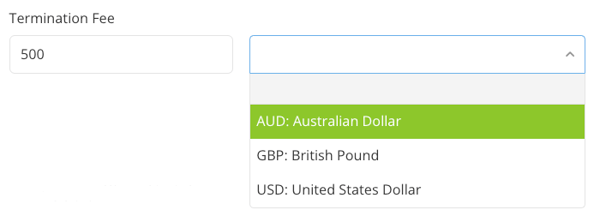
When in view mode, this will automatically format the output and show a conversion to the reporting currency of the tenant.

For more information on currencies in Gatekeeper, see Configuring Currencies.
Postal Address
Provides all fields needed for the user to input a physical address, including a dropdown list to select the relevant country.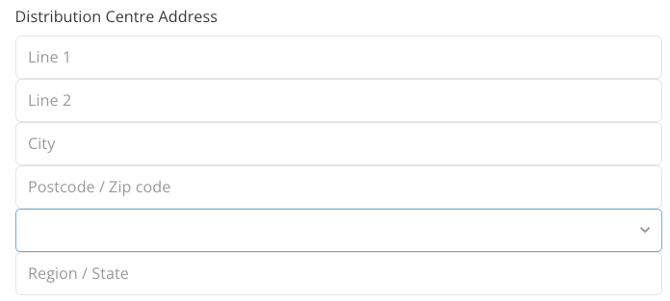
Country
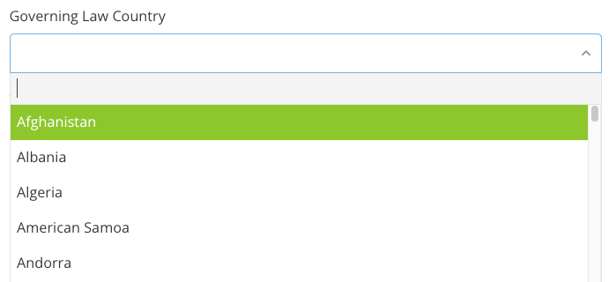
Allows users to select from a dropdown list of countries.
Website URL
Allows the user to enter a website URL. This can also include private intranet URIs.

This will then show as a hyperlink within the repository.

Vendor, Category, Team, and Entity
Provides a dropdown list of vendors/categories/teams/entities that have been created within Gatekeeper.
Note: This field type cannot be added as a column within a custom table.
Dropdown
Allows the user to select one option from a dropdown list. You can configure which options will be available to users, and they will not be able to add their own. 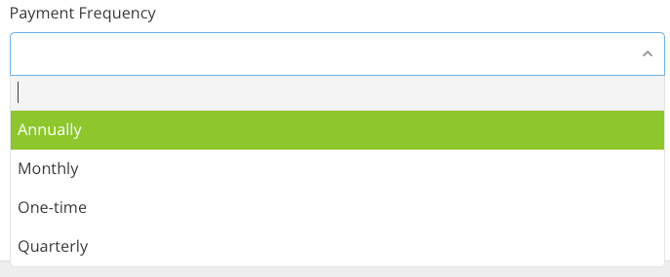
Multi-pick Dropdown
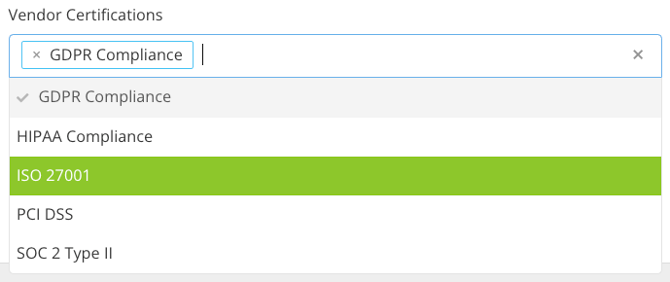
Allows the user to select multiple choices from a dropdown list. You can configure which options will be available to users, and they will not be able to add their own.